


In a world where privacy feels like a rare commodity, the thought of someone eavesdropping on your conversations can be downright unsettling. Imagine your iPhone spilling your secrets like a gossiping friend at a party. Is it possible your device has been turned into a spy? Before you start imagining shadowy figures lurking outside your window, let’s get to the bottom of it.
Signs That Your iPhone May Be Tapped
Certain signs may indicate that an iPhone is tapped. Identifying these signals can help maintain privacy and security.
Unexpected Battery Drain
Unexpected battery drain often points to underlying issues. An iPhone that discharges quickly may have hidden apps running in the background. Monitoring battery usage in settings can reveal which applications consume the most power. Noticing significant changes in battery performance could indicate unauthorized access. Users should track their battery life daily to establish a baseline and identify anomalies.
Unusual Data Usage
Unusual data usage raises red flags about potential tapping. It’s essential to review data consumption regularly. The settings app displays data usage by each application, making it easy to spot irregularities. If data spikes occur without corresponding app activity, remote access may be at play. Becoming aware of data plans allows for better tracking of unexpected charges or increases.
Strange Background Noise
Strange background noise during calls indicates possible tampering. Participants may hear clicks or static that disrupt conversations. Odd sounds, like echoes or distant voices, often suggest monitoring. Maintaining vigilance during discussions can help discern when normal audio quality diminishes. Regularly testing call quality can assist in determining if external interference exists.
Checking Your iPhone Settings
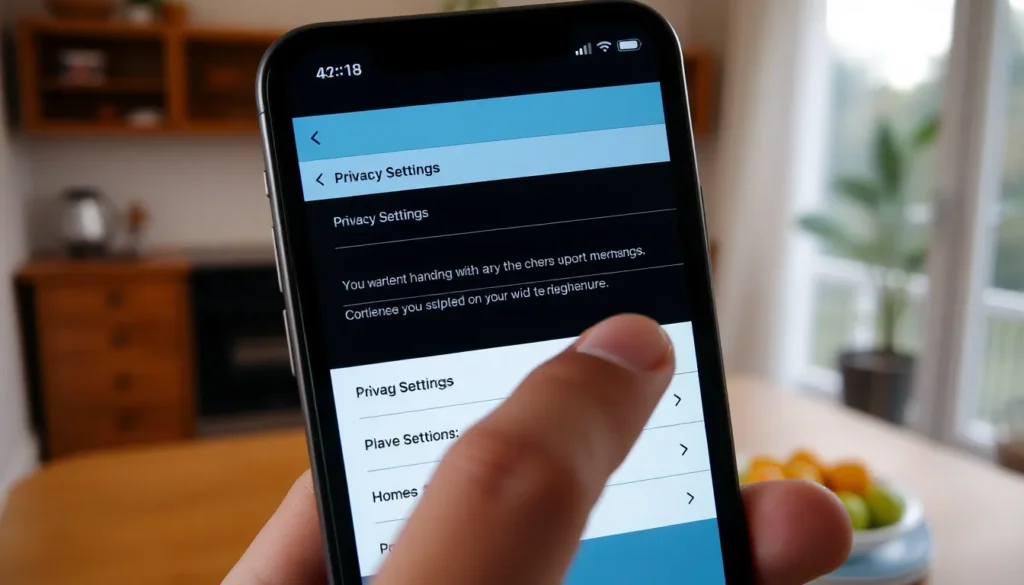
Checking your iPhone settings can reveal potential tampering. Users should regularly review their configurations to ensure privacy remains intact.
Review Privacy Settings
Start by accessing the privacy settings on the iPhone. Navigate to Settings, then select Privacy. This section shows which apps have access to various permissions like location, microphone, and camera. Users may disable any permissions they find unnecessary, particularly for apps that seem suspicious. Ensure that location services are only enabled for needed applications. Regularly reviewing these settings helps maintain control over personal information.
Inspect Installed Apps
Inspecting installed apps is crucial to identifying potential threats. Go to Settings, then select General, followed by iPhone Storage. This area displays all apps and their storage usage. Users should look for unfamiliar apps or those consuming excessive data. While legitimate apps tend to have recognizable names, suspicious or oddly named applications merit further investigation. Deleting unidentified apps can enhance security and limit privacy risks.
Using Third-Party Tools
Third-party tools can enhance the ability to detect if an iPhone is tapped. They often specialize in identifying signs of unauthorized access and providing users with peace of mind regarding their privacy.
Recommended Apps for Detection
Several apps are effective for detecting potential intrusions. iMazing allows users to manage files and monitor unusual activities on devices. Cerberus offers anti-theft features while providing insight into app behaviors. Lookout Security can scan for malware and other security threats. Avast Mobile Security also includes privacy protection features, enabling users to review app permissions and secure their data. These tools help identify suspicious activity, enhancing the security of iPhone users.
Limitations of Third-Party Solutions
Third-party solutions may offer limited effectiveness. They’re not foolproof and may not detect advanced spyware or hardware-level interventions. Some apps might generate false positives, causing unnecessary alarm. Users should remain cautious of apps that promise complete protection, especially those that require extensive personal permissions. Additionally, many of these apps rely on user interactions for accurate monitoring, which can be a limitation. It’s essential to pair these tools with fundamental privacy practices for optimal security.
Best Practices for iPhone Security
Maintaining iPhone security is essential for protecting personal privacy. Adopting certain practices enhances security measures significantly.
Keeping Your Software Updated
Regular software updates address vulnerabilities while enhancing device security. Each update offers critical patches that close gaps exploited by potential threats. Users can enable automatic updates through Settings. Such a setting ensures that the device receives the latest security improvements without manual intervention. Developers consistently release these updates to combat new threats, making it crucial to stay informed. Ignoring updates could lead to an increased risk of attacks, ultimately jeopardizing sensitive information.
Using Strong Passwords
Creating strong passwords is vital in safeguarding personal data. A mix of uppercase, lowercase, numbers, and special characters strengthens a password’s complexity. Users should avoid easily guessed details like birthdays or names. Each account and app deserves a unique password to prevent a security breach from affecting multiple platforms. Implementing two-factor authentication provides an additional layer of protection. Regularly updating passwords helps ensure ongoing security against unauthorized access.
Staying vigilant about iPhone security is essential in today’s digital landscape. By recognizing the signs of a potentially tapped device and regularly reviewing privacy settings, users can take proactive steps to protect their personal information. Utilizing trusted third-party tools can further enhance security, but it’s crucial to approach these solutions with caution.
Maintaining updated software and employing strong passwords adds an extra layer of protection. Ultimately, awareness and consistent security practices are key to ensuring that privacy remains intact. Users should feel empowered to take charge of their digital safety and remain informed about potential threats.